If you have forgotten your password, please click on the ‘Forgot your password’ link on the login module and follow the prompts to reset.
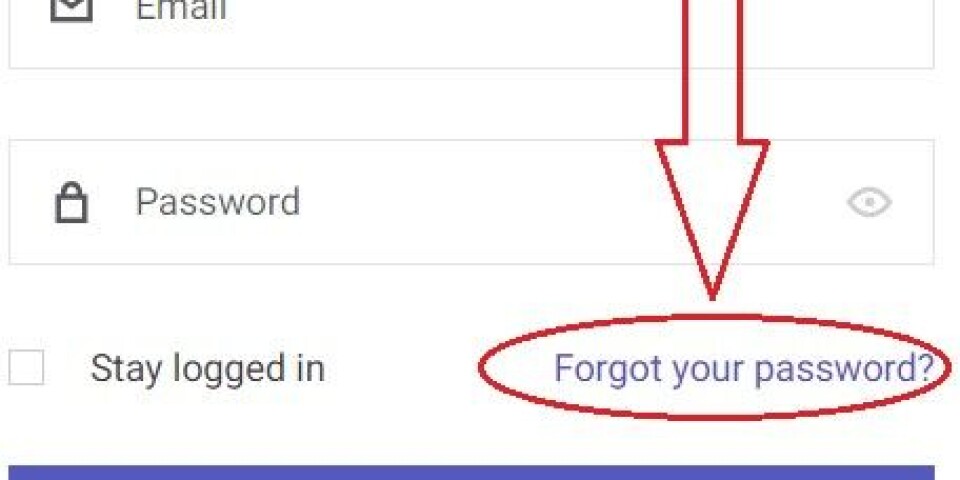
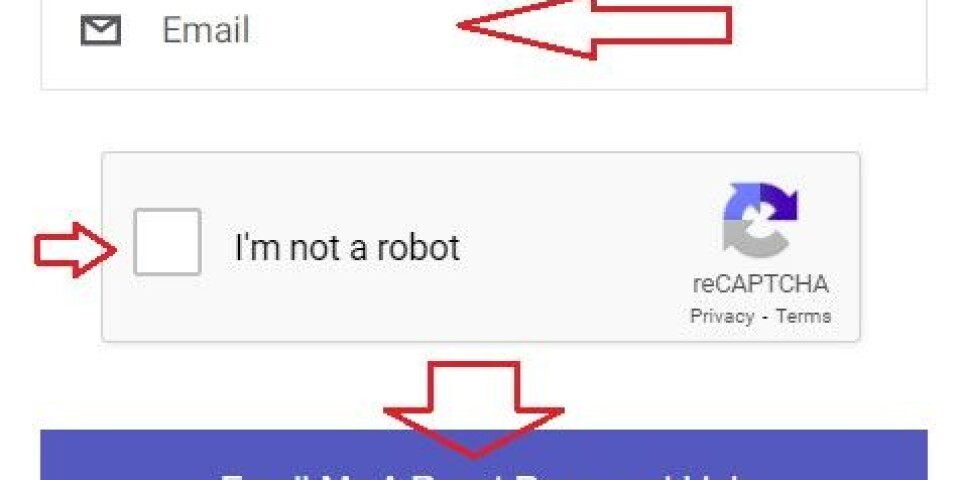
1. Enter your email in the box. Check the Captcha (I'm not a robot) if it appears, and then press the 'Email me a reset password link' button. You will be emailed a link to reset your password. Do make sure you enter the email address linked to your account and/or subscription. If you enter an email address not associated with an account, it will not work.
If this email address you entered is associated with an existing account, you will receive an email with instructions on how to reset. If you cannot see the email in your inbox, please remember to check all your other mail folders including your Junk or Spam folder.
2. Open the ‘Password Reset’ email to find the link to reset your password
3. Press the ‘Reset your password’ link in the email. Note that the link is only valid for 24 hours.
4. You will then be taken back to a page on our website where you will be able to reset your password.
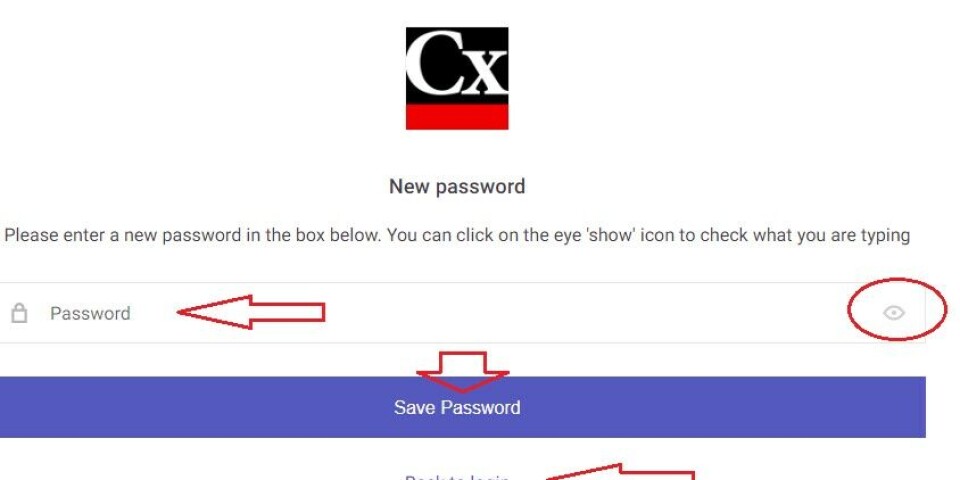
5. On this new page, enter your new password in the password field. Click on the eye 'show/hide' icon on the right to ensure you have typed your password as you meant to type it, and retype it if necessary.
Once happy, click ‘Save Password’ to submit the new password and click ‘Back to login’ to return to the site. Log in with your email and new password.
If it does not work, please try refreshing the page first and ensure that both the email and password boxes are empty and do not contain any pre-filled information saved by your browser (such as your old password, represented by a series of dots). Then type in your email address and password from scratch.
For further assistance, please contact us